
Getting started
Sign in, create your first crew, add the people who eat with you and invite others – plus the four areas at a glance.
MealCrew runs as an app on Android and as a web app in the browser at app.mealcrew.de. Both show the same data: whatever you add on your phone, everyone in your crew sees straight away – on a computer too.
Signing in
Sign in with Google, with Microsoft or with your email address. Email needs no password: each time you get a six-digit code that is valid for ten minutes. Check your spam folder if it does not arrive.
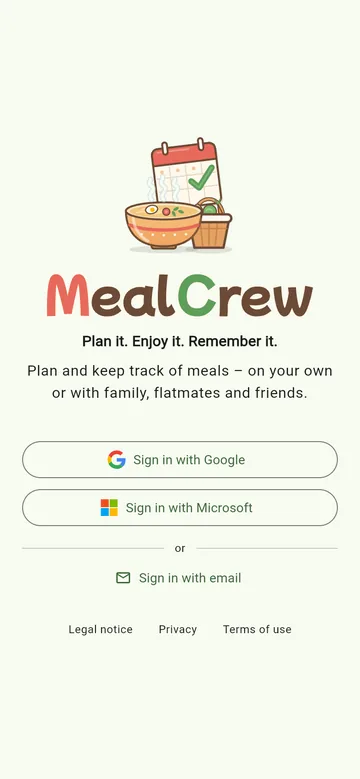
Later you can link more ways in your profile under Sign-in methods – Google in addition to email, for example. You always end up in the same account.
Your crew
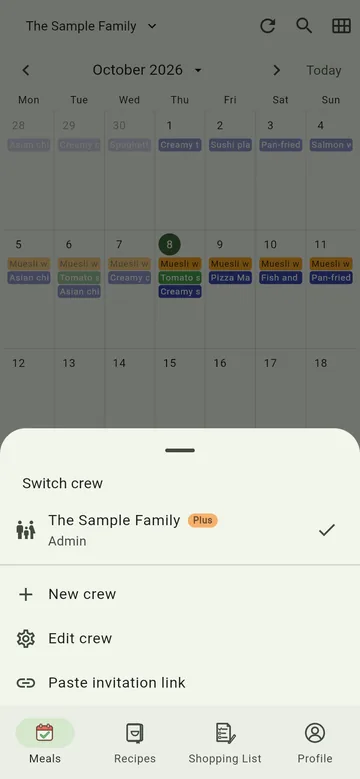
A crew is whoever eats together: your family, your flatmates, your friends – or just you. On first start you create your first crew and give it a name. Every crew has its own plan, shopping list, pantry and wish list. You can belong to several crews and switch between them via the crew name at the top.
People and members
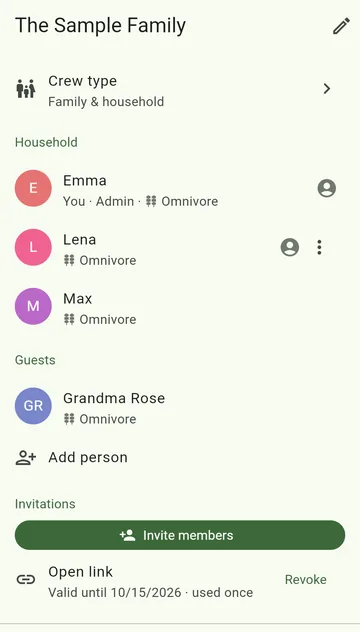
Edit crew lists everyone who eats along:
- Household – people who eat with you regularly. Children don't need an account of their own.
- Guests – people who join now and then, like grandma or friends.
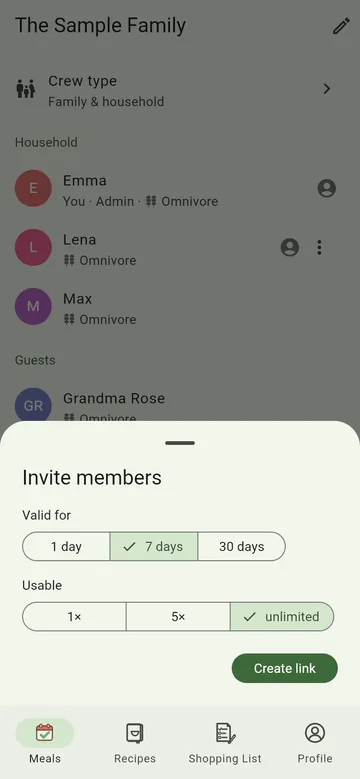
Add person adds someone without an account. Anyone who should plan along gets an invitation: tap Invite members, choose how long the link is valid and how often it may be used, and send it by messenger or email. Whoever opens the link and signs in joins the crew.
Received an invitation link that does not open by itself? Copy it and choose Paste invitation link in the crew menu.
The four areas
At the bottom of the app you find the four areas:
- Meals – the calendar: what you had and what is planned. See Planning meals.
- Recipes – your collection, also via AI or photo. See Recipes.
- Shopping List – with pantry and scanner. See Shopping list and Pantry.
- Profile – your settings, feedback and info. See Profile and crew.
The quick tour
Once you have set up your crew – or joined one through an invitation – MealCrew shows you a quick tour once: six pictures with the main features, from planning meals to your crew. Skip takes you straight to the calendar. You can find it again later under Profile → Take the tour.